
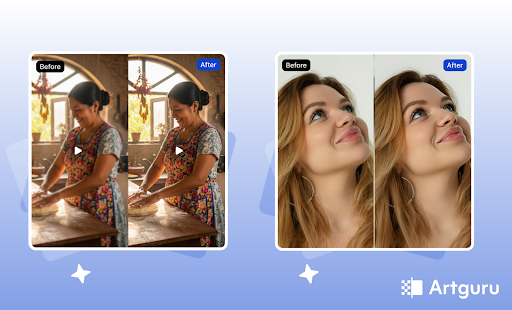
Visual content forms an extremely large part of how people communicate today. Whether it is through social media, apps that sell products, business documents, or even the memories we capture, clear images/videos reinforce our messages.
Still, many users are facing problems such as blurry photos, low-resolution videos, damaged old pictures, and/or unreadable scanned files. Multiple tools or specially trained professionals are often required to correct these issues.
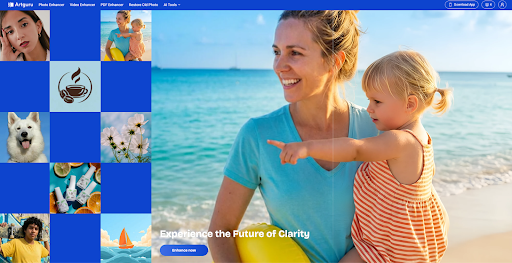
Artguru was developed to provide an easy way for everyone to improve the quality of their visual content. It offers an intuitive, AI-driven web-based solution for quickly enhancing photos, videos, and documents.
As a powerful AI photo enhancer and video upscaler, the Artguru platform works in web browsers and on both iOS and Android devices, enabling users to enhance their files instantly without learning complicated software.
As all-in-one enhancement tools become increasingly important, so too do the capabilities of Artguru. Users have no need to switch from app to app for different types of enhancement. Users can use a single platform to perform all of their enhancement needs. Artguru has been developed to be user-friendly, fast, and provide realistic results, making it a very practical solution to modern users’ needs.
What Makes Artguru an All-in-One Enhancement Tool
Artguru is unique in that it offers multiple enhancement capabilities in a single place. Most enhancement tools tend to specialize in only one type of function (photo upscaling, removing backgrounds, etc). Artguru combines photo/image enhancement, video enhancement, old photograph restoration, and document improvement in an all-in-one enhancement application.
The artificial intelligence in Artguru evaluates each file, then automatically enhances it based on the most appropriate methods. Artguru’s AI is capable of determining if a file has blur, noise, low resolution, faded colors, or poor text quality. Users do not have to alter any settings or know anything about technology in order to enhance a file using Artguru.
Artguru has another advantage: it can be accessed easily because it works across multiple devices: web, mobile (Apple/iOS), and tablets (Apple/iOS), etc., by using one account. This is a significant benefit for a user who changes from a computer to a phone or tablet throughout the day.
Image Enhancement with Artguru
The most impressive aspect of Artguru is its ability to enhance images. It enhances the clarity, resolution, and fine detail in any photograph. It’s excellent for any photo for either personal or professional purposes.
Artguru includes two excellent enhancements:
- Artguru Photo Enhancer allows you to unblur image and increase resolution to 4K.
- Artguru Image Upscaler allows you to enlarge and upscale resolution of images to 8K.
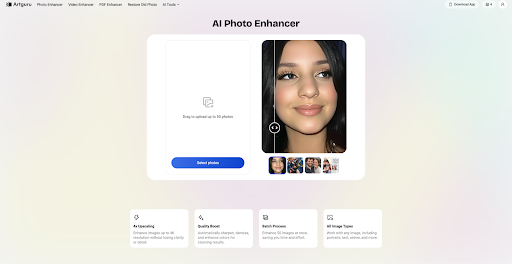
When you upload your image, the AI will automatically know what type of image it is (a portrait, a landscape, a product photo, or a digital drawing, etc.). The AI will choose the best method to improve the quality of your image. This ensures that your image appears natural and doesn’t look ‘fake’ when enhanced.
Another feature of Artguru is its ability to reduce blur and noise. Images taken in poor conditions or with older devices tend to have a lot of ‘grain.’ Artguru uses AI to remove any excess noise and sharpen important detail, like faces, edges, and text.
This makes Artguru useful for:
- Personal and travel photos
- Online store product images
- Social media visuals
- Logos and graphic designs
- Screenshots and text images
The platform also supports batch image processing, allowing users to enhance up to 50 images at once, which is very helpful for creators and businesses.
Video Enhancement Made Simple
If you want to improve your videos, you’ll typically need to use various professional editing tools, which may take considerable time and effort to learn to use. With Artguru’s AI Video Enhancement tool, this process can be made much easier.
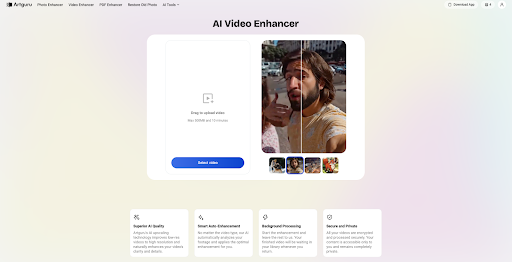
Artguru gives users the ability to convert their standard definition videos (SD) into high definition (HD). The video enhancement tool uses artificial intelligence to improve the clarity and sharpness of each frame of the video, as well as provide a balanced and improved visual appearance of the overall video image, helping to eliminate blurriness and providing a cleaner and smoother look for all video content.
With the Video Enhancement feature, this tool can be used on:
- Home movies taken years ago
- Recordings made with lower quality video cameras
- Video clips made for social media
- Short promotional or personal video clips
The user simply uploads their video file, starts the enhancement process, and waits for the AI to complete the process. The time to process is influenced by the length of the video, but generally speaking, processing is quick. The enhanced video is clear enough for viewing on most social media platforms and may also be privately saved for personal viewing.
Restoring Old Photos with AI
Artguru provides users with a second , a specific tool called Old Photo Restoration, which allows for damaged, and/or defective photographs to be digitally repaired using artificial intelligence.
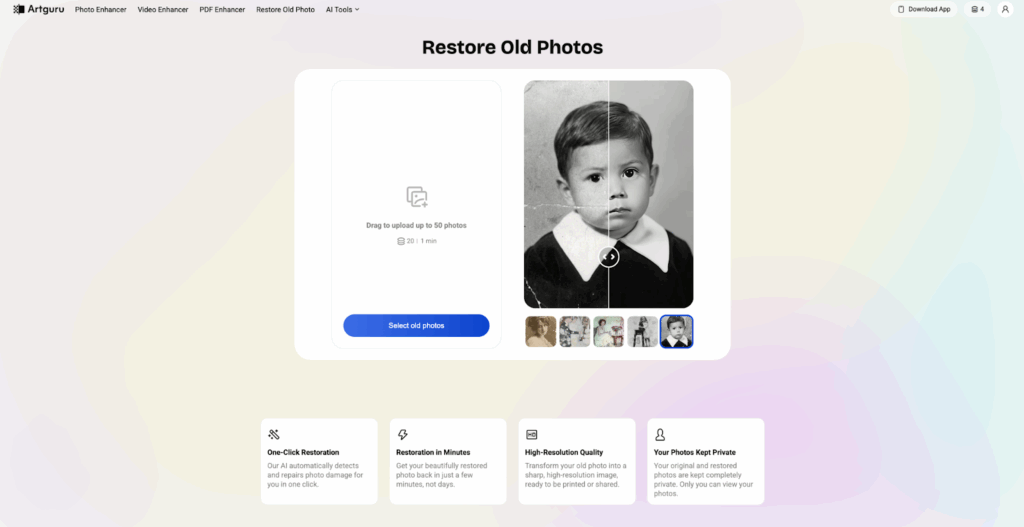
Old photos often suffer from scratches, cracks and softness. Artguru’s AI detects these issues automatically and repairs them while keeping the original feel of the photo. It enhances details without changing the photo’s natural look.
With this tool, users can:
- Remove scratches and surface damage
- Improve facial details
- Make old photos clearer and more visible
This feature is especially valuable for preserving family memories and historical images. It allows users to restore photos without needing professional restoration services.
PDF and Document Enhancement
Artguru is not limited to photos and videos. It also offers PDF and document enhancement, which is useful for both work and study.
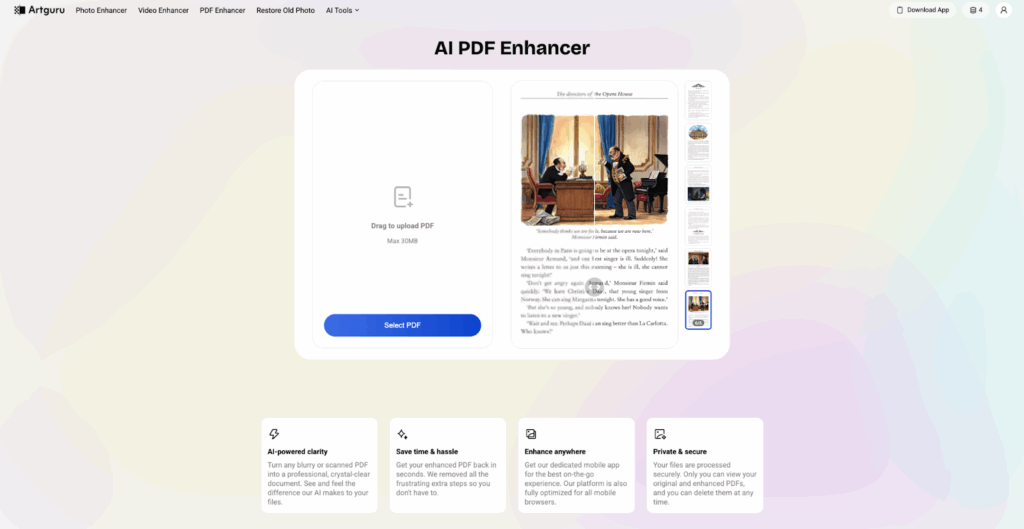
Scanned documents often have blurry text and low contrast. Artguru’s AI improves text sharpness and makes documents easier to read. It enhances clarity without changing the original layout.
This feature is useful for:
- Office documents
- Academic materials
- Reports and presentations
- Archived or scanned files
Instead of rescanning documents or editing them manually, users can upload PDFs to Artguru and receive clearer results in seconds.
Who Artguru Is Best For
Artguru is designed for many types of users.
- Artguru enables content creators to create great-looking, high-quality visuals for social media, blog posts, and online videos.
- Artguru allows e-commerce sellers to create a more professional-looking business by improving product images on their listings.
- In addition to improving visuals on social media platforms, Artguru makes it easy for ordinary users to restore old-style photos (like those in the album or pictures from childhood) and clean up scanned documents.
With its user-friendly tools, Artguru is a great way to get fast results, whether you’re a student or teacher or if you operate a small business.
Final Thoughts
Artguru is a visual enhancement platform providing combined functionality (including image upscaling, video improvement, restoration of old photos, and enhancement of documents) for users looking to enhance visuals using a single-source platform.
Artguru is extremely user-friendly with its interface and produces natural-looking results. If you are looking for enhanced visuals without any technical complications, Artguru is a cost-effective, reliable, and functional solution.
The post Artguru: An All-in-One Tool for Image and Video Enhancement appeared first on Trade Brains Features.